Automatic Digitizing
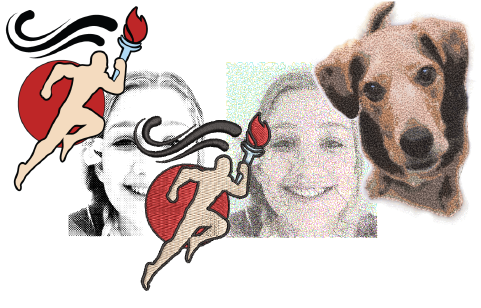
Auto-digitizing features covered in this section include:
| Feature | Overview | |
|---|---|---|
 | Convert | The Convert feature lets you convert vector objects directly to embroidery objects. And vice versa. Entire designs can be converted in either direction. |
 | Auto-Digitizing | The Auto-Digitizing tools provide everything necessary to digitize shapes in graphics automatically without using manual digitizing methods. |
 | Smart Design | The Smart Design feature automatically converts bitmap images to embroidery. |
 | Photo Flash | The Photo Flash feature creates embroidery designs from photographs and other grayscale bitmap images. The effect resembles the output of a line printer. |
 | Reef PhotoStitch | The Reef PhotoStitch feature also creates embroidery designs from photographs and other bitmap images. The features creates open stitching reminiscent of a coral reef. |
 | Color PhotoStitch | The Color PhotoStitch feature creates embroidery from photographs and other images. It produces variegated stitching using multiple thread colors. |
This section describes how to automatically convert graphics to embroidery objects and complete designs using a variety of techniques, as well as how to create embroidery from grayscale images and photographs.