Adjust column width & offset
 | Use Traditional Digitizing > Column C to digitize columns or borders of fixed width. Right-click for settings. |
|---|
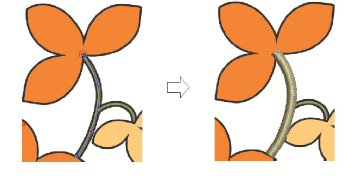
By default, stitches are positioned around the center of an Column C object. Set an exact offset via Object Properties. You can also set an exact width.
To adjust column width and offset...
- Double-click an Column C object or right-click the tool to access object properties.
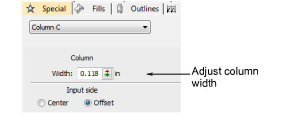
- Enter a column Width.
- In the Input Side panel, select Offset.
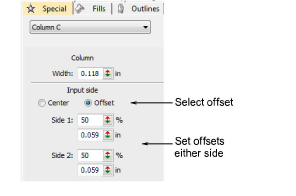
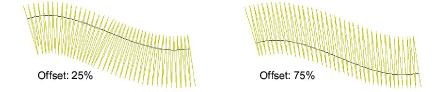
- Set an offset in either Side 1 or Side 2 field.
TIP
You can also change the width of Column C objects by adjusting control points with the Reshape tool.