View & manage designs on EmbroideryHub
From EmbroideryHub, you can view and manage designs sent both to particular machines as well as to the design queue.
To view and manage designs on EmbroideryHub...
- Open EmbroideryHub on the EmbroideryHub PC.
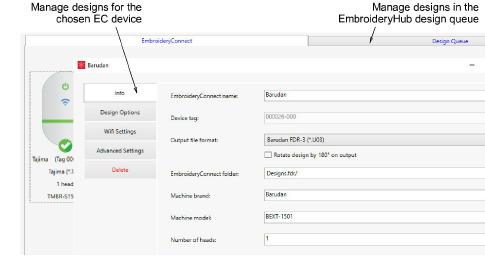
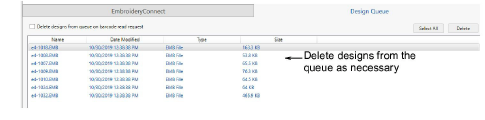
- Click the Design Queue tab to view queued designs in EmbroideryHub. Here you can delete designs as necessary.
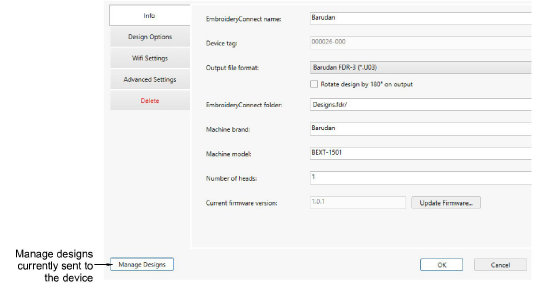
- If you want to view designs sent to the chosen EC device, click the Manage Designs button on the device settings dialog.
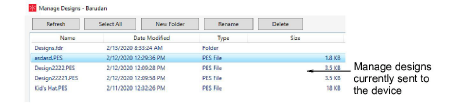
- A list of designs pending production on the target machine is displayed. Here you create new folders, and rename or delete designs as preferred.
TIP
If you have created a folder structure, double-click the ‘..’ at the top of the list to move up a folder level.